Sandustry Fluxloader Install Guide
Set up the Sandustry mod loader (formerly modloader) without breaking vanilla saves.
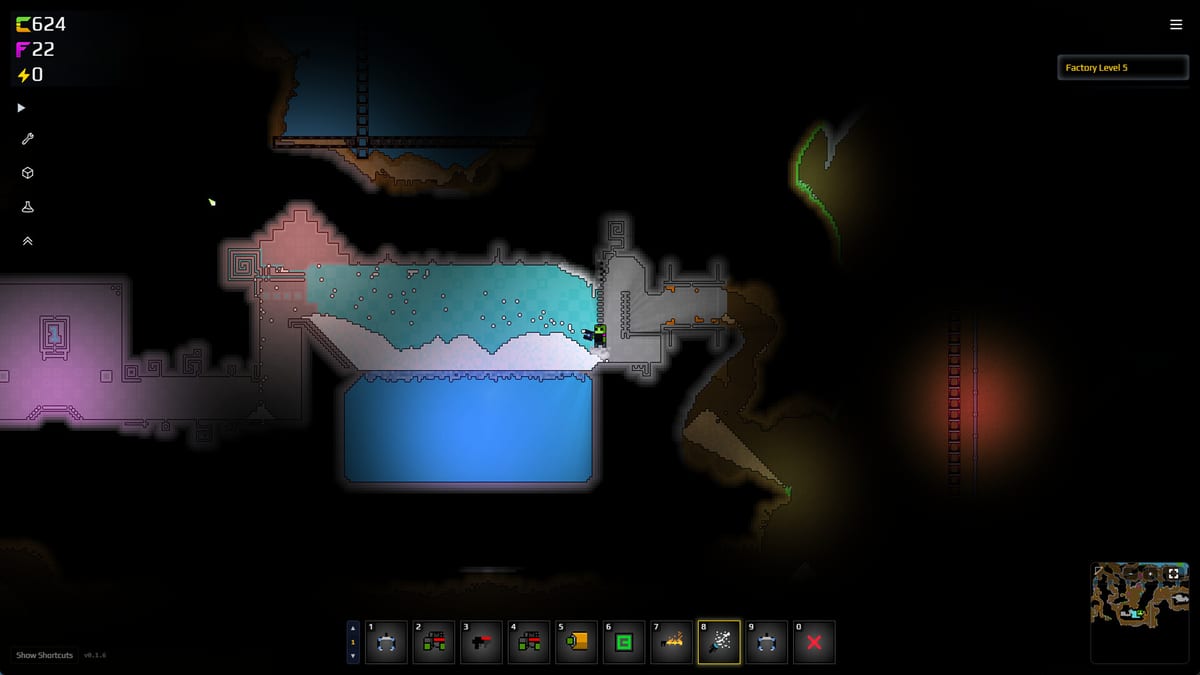
Fluxloader is the community mod loader for Sandustry — the project previously known as modloader. It lets you enable gameplay mods, quality-of-life tweaks, and companion tools like Custom Map Loader by Electric131 without recompiling the game. Lantto Games supports modding culture during Early Access (2026-08-13 on Steam, GOG, Microsoft Store, PC Game Pass); this unofficial guide walks through install, updates, and troubleshooting for Windows PC builds matching Steam’s Windows 10 64-bit requirement.
Before you install
Back up saves. Mods can desync after patches listed on Demo Patches.
Verify vanilla launch. Run Sandustry once without mods to confirm install integrity.
Read mod source. Download loaders and mods from trusted community links (Discord, GitHub) referenced on Mods Hub — avoid random repack sites.
Know the scope. Mods extend sand-factory gameplay; they do not replace learning How to Play or Research Priority.
Install overview
Exact filenames shift between loader versions; always follow the README bundled with the Fluxloader release you download. General sequence:
- Close Sandustry completely (Steam should show not running).
- Download Fluxloader from the official community release channel (Discord pin or GitHub repository maintained by loader authors).
- Extract the archive into the Sandustry game directory or the path specified in Fluxloader docs — commonly alongside the game executable or a dedicated
Modsfolder depending on version. - Create a
Modsfolder if the loader readme requires it and place enabled mod.dllor packaged files inside per-mod instructions. - Launch the game via Steam. Some loaders inject on boot; others add an in-game mod menu.
- Enable one mod at a time when testing — isolate crashes quickly.
If the readme mentions BepInEx-style layouts, mirror that structure exactly; mixed versions cause silent failures.
Enabling mods safely
Start with zero mods after loader install. Confirm the game reaches main menu.
Add Custom Map Loader only after base loader works if you need maps (Custom Maps).
Watch load order. Some mods declare dependencies in readme files; respect order to avoid missing reference errors.
Disable mods before reporting vanilla bugs to developers — reproduce issues clean first.
Updating Fluxloader and mods
When Sandustry updates on Steam:
- Note game version in Steam properties or news on Updates.
- Check Fluxloader Discord/GitHub for compatibility patch.
- Update loader before individual mods.
- Update mods one by one; launch between updates.
Early Access will patch frequently — keep a vanilla save slot for Review comparisons.
Troubleshooting
Game crashes on boot — Remove all mods from the Mods folder; keep loader only. Still crashing? Remove loader files and verify game files in Steam.
Mods menu empty — Wrong install path; re-read readme paths relative to game executable.
Maps not loading — Confirm Custom Map Loader version matches current game; see Custom Maps.
Achievements / cloud — Modded clients may behave differently; treat mod saves separately.
Performance — Minimum spec is 4 GB RAM and GTX 550 Ti class GPU; heavy mods on minimum hardware stutter sooner. Recommended 8 GB and GTX 960 for comfort per Release Date and Platforms.
Fluxloader vs vanilla wiki content
Wiki guides assume vanilla mechanics: Sand, Wet Sand, Shakers, Slag press lines (Materials, Buildings). Mods may add items not documented here. Cross-check mod pages before assuming research costs match Research Checklist.
Related mod pages
- Custom Maps — Electric131 map loader and community maps.
- Mods Hub — Overview and FAQ.
- Controls — Vanilla bindings unaffected by most mods.
- EA Roadmap — Official mod support expectations at launch.
Uninstall
Remove loader files and the Mods directory contents per Fluxloader uninstall notes. Verify game files through Steam to restore pristine binaries. Saves may still contain mod-specific data — restore backups if world state errors appear.
Fluxloader names and install paths are community-maintained; verify against the latest readme when Early Access ships.
Frequently Asked Questions
Quick answers to the most common Sandustry questions.
What is Fluxloader?
The primary **mod loader** for Sandustry (formerly called modloader). It enables community mods on PC.
Where do I put Sandustry mods?
Follow the Fluxloader readme — typically a `Mods` folder in the game directory. See install steps above.
Will Fluxloader break after updates?
Possibly until authors patch. Update loader and mods after Demo Patches or EA updates.
Can I use Fluxloader with the Steam demo?
Many players do, but demo scope is limited. Back up saves and test one mod at a time.
Is modding official?
Community-driven with developer awareness. This wiki is unofficial — use Discord and GitHub for loader support.